KajoData / SQL
UNION ALL, UNION and INTERSECT: what are you combining?
I compare two customer lists to explain repetitions, common rows and NULL, then show why adding a selected column changes the result.
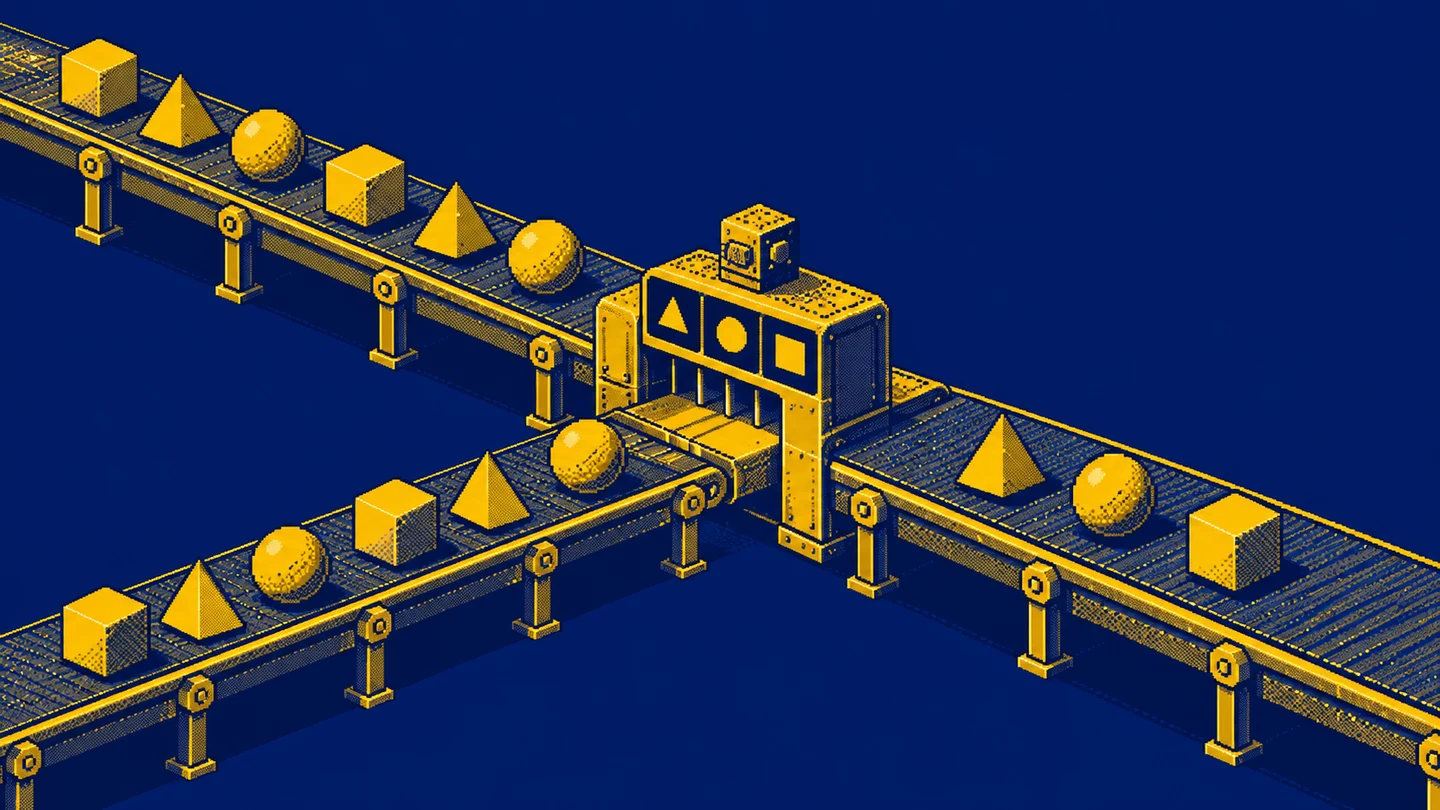
You have two customer lists, one from sales and another from support. You want to combine them, then discover that “combine” can mean several things. Preserve every occurrence? Show each customer once? Or find only customers present in both lists?
I start with that question because choosing UNION ALL, UNION, or INTERSECT changes the result’s meaning. A working query does not establish whether you counted events, customers, or combinations of columns. I will explain the differences with small synthetic datasets in PostgreSQL 18, including repeated and missing identifiers.
Three operators answer three questions
UNION ALL appends every row from both inputs. UNION combines the inputs and removes repeated whole rows. INTERSECT returns rows common to both, also removing repetitions by default. These operations act on query results, so the inputs do not have to be two physical tables.
The combining queries documentation describes their syntax. I translate them into three questions: “what occurrences do I have altogether?”, “what different rows occur in either source?”, and “what different rows occur in both sources?”. The word “row” matters: the database compares what you actually select.
Selecting only a customer identifier compares identifiers. Adding a date compares identifier and date pairs. Changing one SELECT column can therefore change the answer even when the operator stays the same. Before choosing UNION, I write down the intended level of detail of the output.
Data that makes repetitions visible
The first list, sales_customers, has five rows: 101, 101, 101, 102, and NULL. The second, support_customers, also has five: 101, 101, 103, NULL, and NULL. Each number refers to an identifier from the same shared system. That assumption is essential for a meaningful comparison.
Repetitions can represent several events involving one customer. I preserve them deliberately to expose the operators’ differences. NULL represents a record without a recognised identifier. I do not assume that all such records belong to one person.
WITH sales_customers(customer_id) AS (
    VALUES (101), (101), (101), (102), (NULL)
), support_customers(customer_id) AS (
    VALUES (101), (101), (103), (NULL), (NULL)
)
SELECT customer_id FROM sales_customers
UNION ALL
SELECT customer_id FROM support_customers
ORDER BY customer_id NULLS LAST;
The following examples use those same sources. When working with the CTE above, retain its WITH section and replace the query that follows. The WITH reference explains the scope: these names exist for one statement, rather than becoming persistent tables.
UNION ALL preserves every occurrence
The first query returns ten rows. Identifier 101 appears five times, 102 once, 103 once, and NULL three times. The output row count is the sum of the two input counts. Nothing is removed merely because it looks identical to another row.
This is appropriate when each occurrence matters. Combining events from two channels usually requires preserving each event and its origin. A customer identifier alone is not a complete event description. A real model would also need an event identifier and event type, so the reader could distinguish the occurrences.
UNION ALL does not promise to display every row from the first input before rows from the second. The final ORDER BY determines presentation order. Without it, the output has no guaranteed sequence. I do not use a row’s position to infer its source.
Preserving ten records also does not establish that the inputs do not overlap. The operator does not check that. If the same transaction was imported twice, UNION ALL retains both copies. Detecting the problem requires an event key and a rule for resolving duplicates. Row preservation alone cannot decide whether a repetition is legitimate.
UNION produces different whole rows
SELECT customer_id FROM sales_customers
UNION
SELECT customer_id FROM support_customers
ORDER BY customer_id NULLS LAST;
The result contains four rows: 101, 102, 103, and NULL. Repetitions of 101 disappear both within and between the sources. The three NULL rows similarly become one NULL output row. That is the operation’s row-comparison behaviour, not evidence of customer identity.
If the question is “which recognised customers appeared in either channel?”, I add WHERE customer_id IS NOT NULL to both inputs. The output then contains three identifiers. The NULL row in the earlier result should not be reported as a fourth known customer.
This distinction can matter more than the syntax. The number of different column values, the number of people, and the number of events are separate measures. A shared identifier may connect them, but I still need to define what I am counting and how unrecognised records are handled.
INTERSECT finds the common rows
SELECT customer_id FROM sales_customers
INTERSECT
SELECT customer_id FROM support_customers
ORDER BY customer_id NULLS LAST;
The output has two rows: 101 and NULL. Identifier 101 occurs on both lists, while 102 appears only in sales and 103 only in support. Multiple occurrences of 101 do not cause ordinary INTERSECT to display it repeatedly.
NULL also appears on both sides and participates in the operation’s row comparison. This does not establish that a common anonymous customer was found. It shows an unrecognised value on both inputs. For a list of recognised common customers, I filter missing identifiers before the operation.
For the same reason, I do not casually use first and last names as a person key. Two people can share a name, and one person can have several recorded spellings. A repeated-name example can demonstrate text comparison, but it cannot establish that the records describe the same employee or customer.

NULL in a set operation and in a join condition
An ordinary NULL = NULL comparison produces an unknown result. When removing duplicate rows and comparing rows in these set operations, missing values can be treated as not distinct. The SELECT reference documents the operators and their variants, while the comparison documentation explains NULL logic.
Consequently, replacing INTERSECT with a simple equality-based INNER JOIN can change the result. Missing values do not match using ordinary equality, and repeated keys can multiply rows. Those are separate differences that must be addressed before calling the two queries equivalent.
With our data, three left-side occurrences of 101 and two right-side occurrences produce six matching pairs in such a join. Ordinary INTERSECT produces one 101 row. One query describes matching pairs, while the other describes different common rows. Similar terminology does not make their meanings interchangeable.
Every selected column participates in comparison
SELECT customer_id, 'sales' AS source
FROM sales_customers
UNION
SELECT customer_id, 'support' AS source
FROM support_customers
ORDER BY customer_id NULLS LAST, source;
This output contains six rows: three different pairs for each source. Identifier 101 appears once with sales and once with support. Those pairs differ, so UNION preserves both. Repeated identical pairs inside each source still collapse.
A source label is useful, but it changes the comparison key. If the final requirement is a customer list independent of channel, another deliberate selection of columns is needed. I cannot require comparison of identifiers alone while expecting extra, differing source values to be ignored automatically.
The same applies when adding a date, amount, or document number. UNION has no built-in knowledge of which fields matter to the business. Selecting them is the query author’s decision. Before preparing such a report, I write down what should constitute one nonrepeating output row.
Columns match by position
Both inputs must return the same number of columns, and corresponding types must be compatible. They do not have to be written as exactly identical types. PostgreSQL applies its common-type resolution rules separately to each output position.
The more dangerous mistake can be semantic. If the first query returns country and city while the second returns city and country, both columns may still be text. The database may accept the statement, but values end up in the wrong conceptual columns. Type compatibility does not establish meaning compatibility.
I therefore write explicit column lists in the same order on both sides. When representations differ, I deliberately choose a common type and cast where appropriate. Converting everything to text just to silence a conflict can damage later calculations or sorting. A successful conversion is not sufficient evidence that the combined field is useful.
In these examples, output column names come from the first input. A clear alias there helps the consumer. Different aliases on the two sides do not match columns by name. Expression position determines which values are compared or placed in the same output column.
ALL also applies to intersection
PostgreSQL supports INTERSECT ALL. For each row, it keeps the smaller of the two occurrence counts. Our identifier 101 appears three times on one side and twice on the other, so it appears twice in the result. NULL appears once and twice, so one NULL row remains. The output therefore has three rows.
That answers a different question from a list of different common customers. ALL can describe overlapping row multiplicities, but it does not pair specific events in time. Matching two support cases to two particular orders requires an event-matching rule. A repeated identifier does not create that relationship.
It is useful to know that ALL is not exclusive to UNION. Availability still depends on the engine. I do not copy INTERSECT ALL automatically into T-SQL: the SQL Server reference documents distinct-row INTERSECT without an ALL form.
EXCEPT asks about a difference
EXCEPT completes the picture. The left list EXCEPT the right list returns only 102. It is a recognised value appearing in sales but not support. Reversing the inputs returns 103. Input order therefore matters, unlike the question about a common set.
EXCEPT ALL considers occurrence counts. It subtracts two right-side occurrences of 101 from three on the left, leaving one. Identifier 102 remains once. No NULL row remains because the right input has enough occurrences to remove the left occurrence. This variant therefore returns 101 and 102.
A customer’s absence from support does not prove satisfaction. There may be no case, a failed identifier match, or an unsuitable date range. The operator establishes a row difference between the selected inputs. A conclusion about customer behaviour requires further context and a clear definition of those inputs.
Apply ORDER BY and LIMIT at the intended level
A final ORDER BY sorts the combined output. Ordering one input does not establish the sequence of the complete set operation. I explicitly place NULL last in the examples so that the identifier values and missing records are easy to inspect separately.
To limit one input before combining it, use parentheses and put the relevant ORDER BY and LIMIT inside. Otherwise, you may limit the combined result or produce a different statement structure from the one intended. The combining queries reference explains how parentheses determine that scope.
I also use parentheses when mixing set operators. PostgreSQL gives INTERSECT higher precedence than UNION and EXCEPT. Without explicit grouping, the operation tree may differ from a simple left-to-right reading. A report reviewer should not have to guess which two lists were supposed to be compared first.
Align the meaning of both inputs first
A shared identifier type does not establish that the same number identifies the same customer. Independent systems can each assign number 101. If one describes a wholesaler and the other a shop, INTERSECT finds a common number without proving a common person. I need an identifier mapping or a genuinely shared key.
I also align time coverage. An October sales customer list compared with an all-time support customer list answers a different question from two October lists. Every filter preparing an input belongs to the result definition. The report should state those periods separately when they deliberately differ.
For amounts, I check units and definitions. Two numeric columns might describe a unit price and a document total. Two date columns might describe creation and completion. SQL can combine compatible types without determining whether the comparison answers a meaningful analytical question.
An empty input needs separate attention. An empty table differs from a table full of NULL values. An empty source contributes no rows to UNION ALL. Five NULL records contribute five occurrences, even if a later UNION displays just one row. This helps distinguish an absence of events from an absence of identification.
Finally, I record what information I am deliberately discarding. UNION over an identifier alone loses event multiplicity and origin. That may be exactly right for a recipient list. If I later need the number of cases per customer, I require the original event source. A completed list of different customers no longer contains that detail.
Performance and other database engines
UNION ALL does not need the duplicate-removal behaviour of UNION. That makes it worth considering when repetitions should remain, but it does not prove that every ALL query is always faster. I establish the required result before optimising and examine the execution plan for a particular query.
Input size, filters, data types, and surrounding operations can affect total runtime more than changing one keyword. EXPLAIN supports examination of a PostgreSQL plan. I do not attach a percentage speed improvement to an example made from a few numbers.
MySQL 8.4 has its own set operation documentation, covering UNION, INTERSECT, and EXCEPT. I do not extend that statement to all historical MySQL versions. Before migrating a query, check the target version, ALL syntax, type resolution, and comparison rules in that engine’s documentation.
Exercise: choose the level of detail
First remove missing identifiers from both inputs and prepare a list of recognised customers present in either channel. The expected values are 101, 102, and 103. Then find common recognised customers: only 101 remains. Explain why its number of events does not increase the length of this list.
Next preserve every occurrence from both lists while excluding missing values. The result should contain seven rows: five occurrences of 101 and one each of 102 and 103. Finally, add a source label and consider what other information would be required to recognise a specific event.
If you can explain the difference between these three results, you understand the practical choice of operator. Continue with SELECT, WHERE, and SQL joins. For every new query, return to the question of what one output row represents.
Key takeaways
Does UNION remove only duplicates between sources?
It removes repeated whole output rows, including repetitions originating within one input. UNION ALL preserves every occurrence.
Must corresponding columns have identical types?
The inputs need the same column count and compatible types at matching positions. PostgreSQL resolves a common type; similar names do not align columns.
Can INTERSECT replace INNER JOIN?
Not directly. INTERSECT compares whole selected rows, removes repetitions by default, and handles NULL differently from a join using ordinary equality.
AI was used in an automated way while working on this article. If you want to learn how to do it too, check out this project.